Have you ever wondered what makes the simulators and launch monitors you see in golf studios so accurate and popular?

What Is Full Swing Golf Inc?
Full Swing Golf Inc. is a company that builds golf simulators and launch-monitor systems used by golfers, coaches, club-fitters, and entertainment venues. You can think of it as a provider of high-end hardware and software that captures your swing and ball flight data, then displays it in realistic simulated environments.
Why this matters to you
If you want to practice indoors, get fitted properly for clubs, or run a golf entertainment business, the type of technology and company you choose affects your experience. Full Swing offers turnkey solutions that are often positioned for premium home installations and commercial facilities, giving you a realistic feel of the course and detailed performance metrics.
Company background and positioning
Full Swing positions itself as a premium vendor in the golf-technology space, focusing on accuracy, immersive simulation, and a user-friendly experience. You’ll find their systems installed in private homes, training facilities, retail fitting centers, and commercial golf centers.
Market niche and target users
Full Swing targets several customer segments: serious amateurs and pros who want precise data, coaches who need replay and analytics, club fitters who require repeatable measurements, and businesses that want an entertaining, revenue-generating simulator experience. As a result, the company balances technical sophistication with polished consumer-facing software.
Core products and offerings
Full Swing’s product family generally includes home simulators, commercial simulators, and launch-monitor hardware and software packages. While product names and models may change, the categories remain consistent: consumer/home setups, professional/indoor studio installations, and enterprise solutions for venues.
Hardware components
The hardware typically consists of high-speed cameras or optical sensors, infrared or LED-based ball tracking, impact sensors, and proprietary processing units. You’ll see components designed to withstand indoor use and repeated impact, and they’re often integrated into a single studio package for easier installation.
Software and simulation features
Full Swing’s software provides the interface you interact with: course maps, shot replay, shot-stats dashboards, practice ranges, and game modes. The platform usually supports multiplayer modes, club databases, and various user profiles so you can track progress over time.
How Full Swing measures golf data
Understanding what the system measures helps you interpret the results. Full Swing combines optical imaging and sensor fusion to estimate critical metrics like ball speed, launch angle, spin rate, and carry distance.
Typical metrics you’ll see
You’ll typically see:
- Ball speed
- Launch angle
- Backspin and sidespin
- Carry distance and total distance
- Spin axis and spin loft
- Club speed, attack angle, club path, and face angle (if club data sensing is included) This information helps you quantify your ball flight and swing mechanics, which you can use to make adjustments and select equipment.
How measurement works in practice
The system captures high-speed frames of the ball at impact and shortly after, or it uses radar to track the ball’s movement over time, then applies algorithms to estimate parameters you care about. You’ll often get immediate on-screen feedback after each shot and detailed replay for analysis.

Typical use cases for Full Swing installations
You’ll find Full Swing deployed for a range of activities, from solo practice to commercial entertainment.
Practice and skill development
If you want to practice indoors year-round, a simulator helps you hit thousands of shots with precise feedback. You’ll be able to test changes in technique, monitor trends, and practice on simulated driving ranges or real-world course holes.
Coaching and instruction
Coaches use the replay and metrics to identify swing faults and prescribe drills. You can share session data with a coach, compare before/after metrics, and use slow-motion playback to review key moments in the swing.
Club fitting and performance testing
Club fitters rely on consistent, repeatable data to match shaft and head combinations. You’ll benefit from accurate carry and spin data to make decisions about loft, lie, shaft flex, and clubhead design.
Entertainment and commercial operations
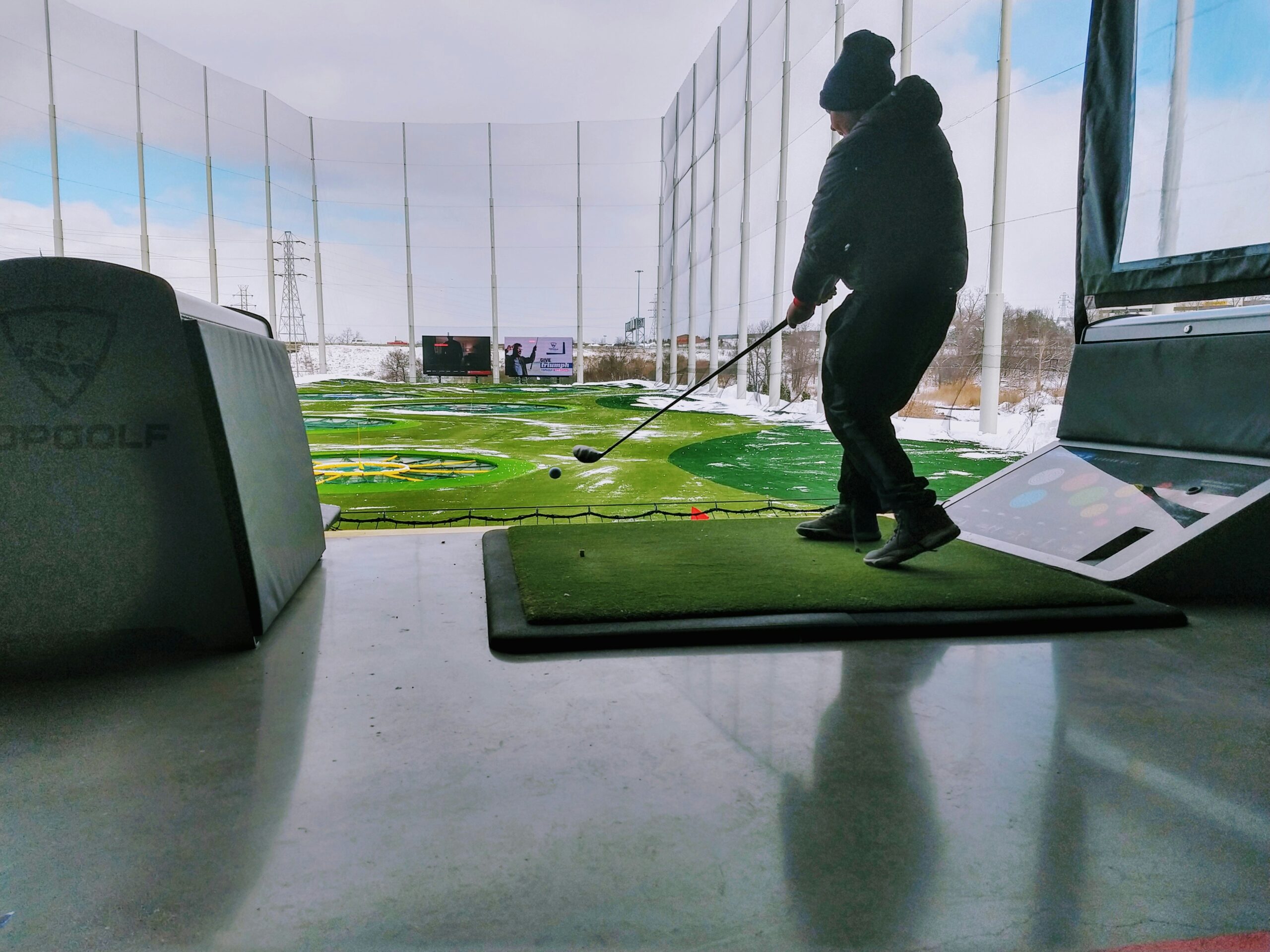
If you run a golf lounge, bar, or entertainment venue, simulators can attract customers who want a social experience with realistic courses and game modes. You’ll often see these setups used to host events, tournaments, and group bookings.
Comparison with competitors
Understanding how Full Swing stacks up against other systems helps you decide if it fits your needs. The main competitors include TrackMan, Foresight Sports (GCQuad series), SkyTrak, and FlightScope.
Key differences you should weigh
- Accuracy vs cost: TrackMan and Foresight often lead in raw measurement precision and are common in tour and fitting environments. Full Swing typically emphasizes an immersive user experience and turnkey installations while aiming for high accuracy.
- Technology approach: TrackMan and FlightScope primarily use Doppler radar, Foresight uses stereo high-speed cameras, and Full Swing often uses a hybrid approach combining optics and sensors. You’ll want to consider which technology suits your indoor space and lighting conditions.
- Software and ecosystem: Some competitors focus on integration with third-party simulation engines (e.g., TGC or E6). Full Swing tends to provide a polished, integrated software experience, which may be easier if you prefer a single provider.
Quick comparative table
| Feature / Company | Full Swing (general) | TrackMan | Foresight (GCQuad) | SkyTrak |
|---|---|---|---|---|
| Target users | Home, commercial, coaches | Tour, fitters, coaches | Fitters, coaches, sim users | Consumer, practice |
| Primary tech | Hybrid (optical + sensors) | Doppler radar | High-speed stereo cameras | Photometric camera |
| Typical use | Immersive sims, studios | Precision fitting & ball flight | Studio fitting & simulation | Home practice & budget sims |
| Price range (general) | Mid to high | High | High | Low to mid |
| Ease of installation | Turnkey studio options | Requires setup/space | Studio-friendly | Consumer-friendly |
Installation and space considerations
Before purchasing, you’ll want to evaluate where you intend to install your system and what modifications may be needed.
Space requirements
Studio installations typically need enough room for a full swing and the simulated ball flight: as a rule of thumb, you’ll need at least 10–12 feet of ceiling height for higher-loft shots and about 10–15 feet of depth and width, depending on the impact screen or enclosure. You’ll also want clearance for safe swings and any additional lighting or camera mounts.
Lighting and environment
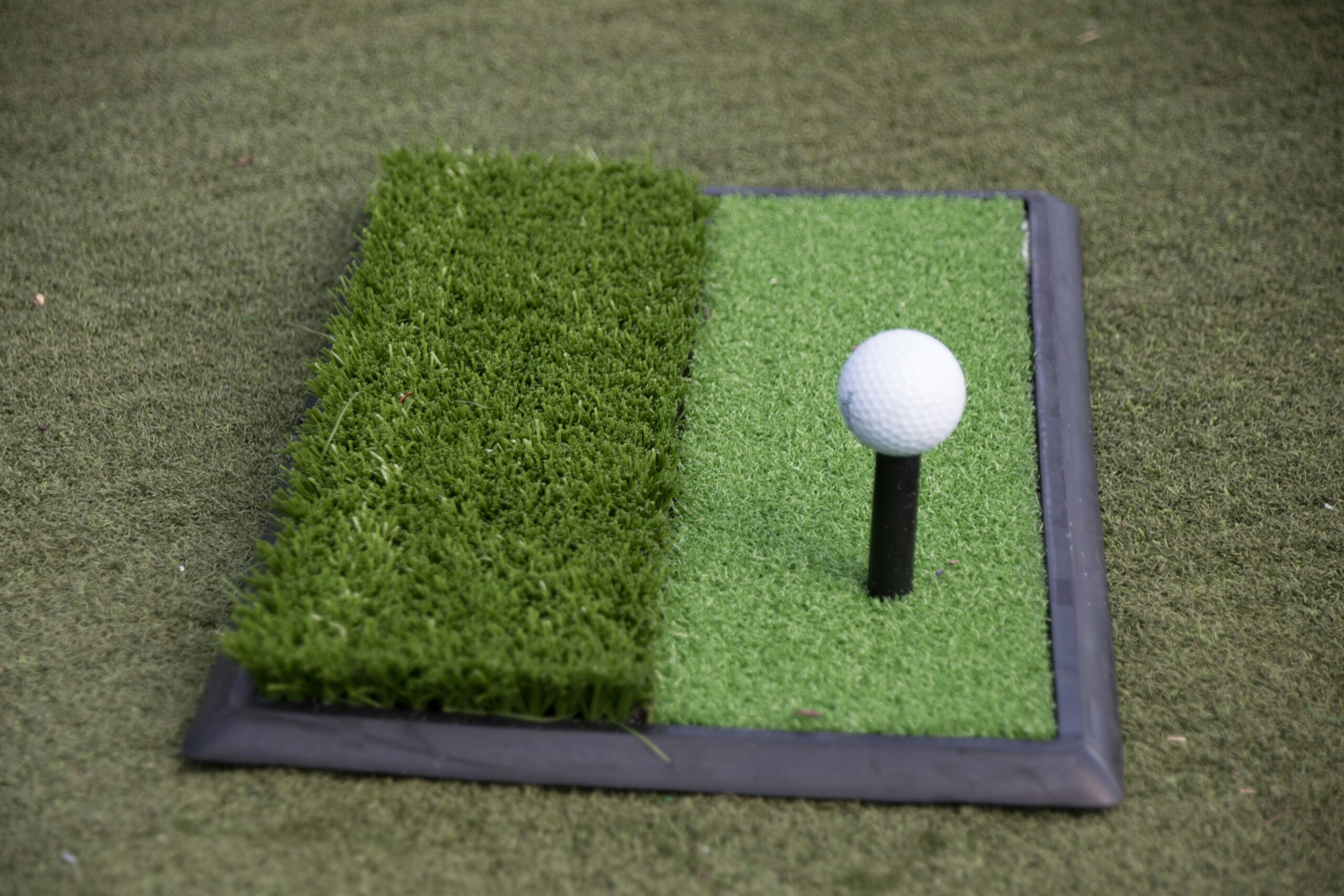
Optical systems are sensitive to lighting. You’ll be advised to use controlled, even lighting and avoid direct sunlight on the impact screen or sensor arrays. Carpet or turf that simulates real grass can make the feel more authentic and protect your equipment.
Power and connectivity
Most systems require dedicated power circuits and stable internet, especially for course downloads, updates, and multiplayer modes. If you plan to stream or host online events, check the network bandwidth and latency.
Software integration and content
What you’ll interact with most is the software. It determines course selection, analytics, practice modes, and any multiplayer or entertainment features.
Courses and library
Full Swing systems typically provide a library of famous courses and practice ranges. You can play single holes, full 18s, or specific practice modes designed to replicate on-course scenarios.
Analytics dashboards and history
The software generally stores shot history so you can review trends, averages, and session summaries. You’ll be able to generate reports that show how your speed, carry, and accuracy change over time.
Third-party compatibility
You may be able to link to third-party simulation engines or coaching platforms; however, the specifics vary by model and licensing. If you want a particular game engine or software plugin, check compatibility before purchasing.
Data accuracy and validation
You’ll naturally want to know how accurate the readings are, since fitting or technical changes depend on reliable numbers.
Factors that affect accuracy
Accuracy depends on sensor quality, calibration, environmental conditions, and how consistently you place the ball and swing. Optical systems can be sensitive to lighting and ball contrast; radar systems require adequate view of the ball’s flight path. A properly installed system in a controlled environment typically yields the best results.
Calibration and maintenance
You should expect periodic calibration routines and software updates to maintain accuracy. If you’re using the simulator for club fitting, you’ll also want to validate readings against known references (e.g., a certified launch monitor session outdoors) when possible.
Pricing — what you can expect to spend
Costs vary widely depending on the package, features, and installation complexity. You’ll see a range because Full Swing systems are often custom-configured.
Typical price bands
- Entry-level consumer launch monitors: lower cost (hundreds to a few thousand dollars).
- Home simulator packages: mid-range (roughly $10,000–$50,000 depending on screen, enclosure, and software).
- Commercial studio installations and premium simulators: high-end (tens of thousands to over $100,000 for fully outfitted venues). These are rough estimates and will vary based on local labor, customization, and optional add-ons.
What affects the final price
The main cost drivers include sensor sophistication, screen quality, housing and enclosure design, software licensing, installation labor, and optional peripherals (projectors, sound systems, seating, HVAC). You’ll also want to budget for ongoing software subscriptions or content licensing if applicable.
Buying and installation process
To make the purchase process smooth, you’ll want to follow a few steps that clarify what you need.
Steps to a successful purchase
- Define your goals: practice, fitting, coaching, or entertainment.
- Measure your space and check ceiling height.
- Decide on hardware and software features you need.
- Request quotes and compare installation options.
- Schedule professional installation where needed and plan calibration. By following these steps, you reduce surprises and ensure the system performs as you expect.
Questions to ask vendors
Ask about guaranteed accuracy, warranty terms, software updates, training for users, support response times, and whether the system supports third-party software or integrations you desire. You’ll also want clarity on what’s included in the quote vs. optional extras.
Maintenance, support, and warranty
Reliable support and maintenance are crucial for systems you plan to use frequently.
Warranties and service contracts
Most manufacturers provide a limited warranty and optional extended support plans. You’ll benefit from a plan that includes software updates, calibration visits, and prioritized hardware support.
Preventative maintenance
Keep sensors clean, follow recommended cleaning schedules for screens and projectors, and maintain consistent indoor environmental conditions. Regularly back up user profiles and session data if the system allows it.
Benefits and limitations for different users
Different users will gain different value from a Full Swing installation.
For the recreational golfer
You’ll get more practice hours and entertainment value, which often beats rainy-day frustrations. The realistic visuals and instant feedback can accelerate learning and make practice fun.
For competitive players and coaches
The metrics and replay capabilities provide meaningful data for technical adjustments and training plans. You’ll need the highest accuracy possible for fitting and high-performance training.
For businesses and venues
You’ll be able to generate revenue from hourly bookings, food and beverage packages, events, and tournaments. Ensure the system’s throughput and ease-of-use match your business model.
Pros and cons summary
It helps to weigh the advantages against the limitations so you can make an informed decision.
Pros
- Immersive, realistic playing experience
- Useful analytics for practice and fitting
- Turnkey options for home and commercial installs
- Engaging multiplayer and entertainment modes
Cons
- Higher initial cost for premium setups
- Accuracy can be influenced by environment and installation
- Ongoing costs for subscriptions and updates may apply
- Some advanced features may require professional calibration or service
How to choose between Full Swing and other brands
You’ll choose based on accuracy needs, budget, space, and how you plan to use the system.
Decision checklist for buyers
- What level of measurement accuracy do you need?
- Is the system for practice, club fitting, coaching, or business revenue?
- How much space do you have, and what ceiling height is available?
- Do you want a turnkey experience or a modular setup you can upgrade?
- What integrations and content libraries are important? Answering these questions will help you compare Full Swing to competitors and pinpoint the best fit.
Integration with coaching and training workflows
If you work with a coach or are a coach yourself, integration matters.
Sharing and analyzing data
You’ll want software that stores session data and allows easy export or sharing with coaches. Many systems include session history, snapshot comparisons, and the ability to tag shots for later review.
Using simulator data to build practice plans
You can create targeted practices based on weak spots revealed by simulator stats—such as dispersion patterns, inconsistencies in launch angle, or side spin trends. Using data-driven plans helps you focus on the drills that matter.
Typical metrics dashboard — what you’ll see after each shot
The immediate feedback you get after every shot is one of the simulator’s most useful features.
Common data fields
| Metric | What it means for you |
|---|---|
| Ball speed | How fast the ball leaves the clubface; key for distance |
| Launch angle | The initial upward angle; affects trajectory and carry |
| Backspin / Sidespin | Spin affects lift and curve; important for greenside control |
| Carry distance | How far the ball travels before landing |
| Total distance | Carry plus roll; useful for club selection |
| Club speed | The speed of your clubhead at impact |
| Attack angle | The vertical angle of the club through impact |
| Club path / Face angle | Helps diagnose swing direction and face control |
You’ll find that reviewing these consistently helps you build a clearer picture of how your swing produces outcomes.
Upgrading and future-proofing
Technology evolves and you’ll want to keep your system relevant.
Upgrade paths
Some systems allow hardware and software upgrades, such as better sensors, new course packs, or software feature additions. You’ll often be able to add peripherals (projectors, cameras) without replacing the whole system.
Consider subscription models
If the vendor provides content as a subscription, factor that into your long-term cost. You’ll value frequent software updates and new courses, but you should calculate recurring costs against benefits.
Environmental and practical considerations
You’ll also want to think about the practicalities of running an indoor golf installation.
Noise, ventilation, and safety
Hitting many golf balls indoors produces noise and can introduce dust or turf debris. Ensure good ventilation, proper flooring, and safe distances between users.
Ball and accessory choices
Some facilities recommend using softer practice balls to reduce wear on screens and hardware. You may also choose travel or foam balls for casual entertainment, while serious practice requires regulation golf balls for accurate data.
Frequently asked questions (FAQ)
You’ll likely have specific questions before deciding; here are concise answers to common ones.
Can I use a Full Swing system outside?
Most Full Swing products are designed for indoor studio use. If you want outdoor measurements, other radar-based products might be better suited. Always check the vendor’s recommendations.
How reliable are the numbers for club fitting?
When properly installed and calibrated, you can get reliable numbers for fitting. For the most critical fitting decisions, professional fitters often cross-validate across multiple systems.
Do you need professional installation?
It’s recommended for premium studio installations to ensure sensor alignment, calibration, and safety. Small consumer units may be simpler to set up by yourself.
Is training available for users?
Many vendors provide onboarding, tutorials, and customer support. You should ask about training packages when purchasing.
Future trends to watch
You’ll see continuous improvements in sensor fusion, machine learning analytics, and visual realism.
What to expect next
Expect tighter integration with wearables, more robust cloud analytics for tracking progress, and increasingly lifelike graphics. You’ll also see expanded multiplayer and social features to make simulated golf more community-driven.
Final considerations before you buy
Purchasing a simulator is both a technical and lifestyle decision.
Summing up what you should do next
- Clarify your goals and budget.
- Measure your space and consider installation needs.
- Compare accuracy, software, and content across vendors.
- Ask about warranties, support, and upgrade paths.
- Request demonstrations or trial sessions so you can feel the experience and verify metrics.
If you follow these steps, you’ll be well-positioned to choose a system that matches your goals—whether you want to improve your game, run a commercial venue, or simply enjoy realistic golf indoors.